Notice
Recent Posts
Recent Comments
Link
«   2026/03   »
1 2 3 4 5 6 7
8 9 10 11 12 13 14
15 16 17 18 19 20 21
22 23 24 25 26 27 28
29 30 31
Tags
more
Archives
Today
Total
관리 메뉴

brograming

[Flutter] spotify api <spotify sdk> 사용하기 (1)Create an App 본문

카테고리 없음

[Flutter] spotify api <spotify sdk> 사용하기 (1)Create an App

brograming 2024. 8. 6. 10:48

1. Create an App 만들기

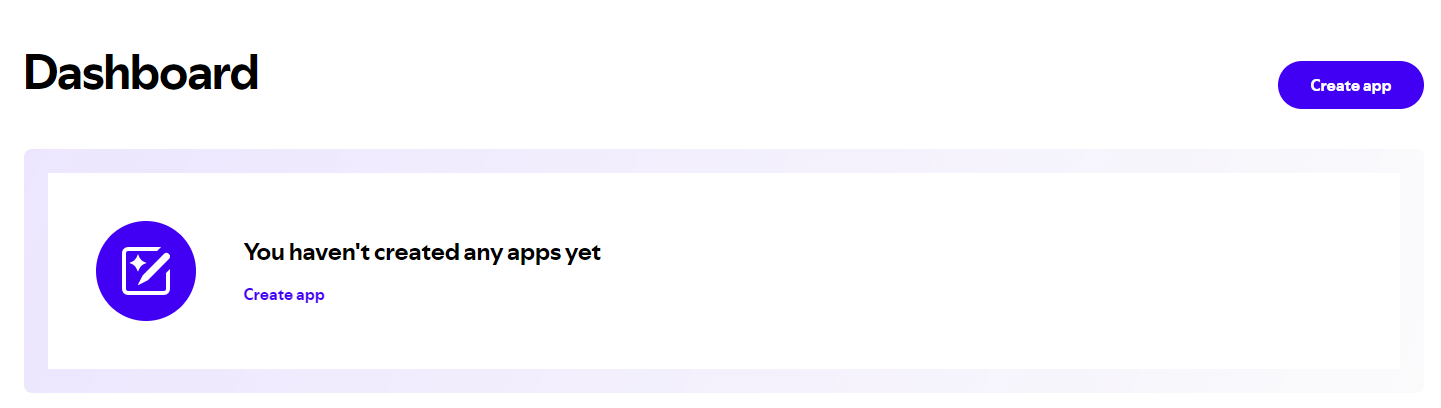
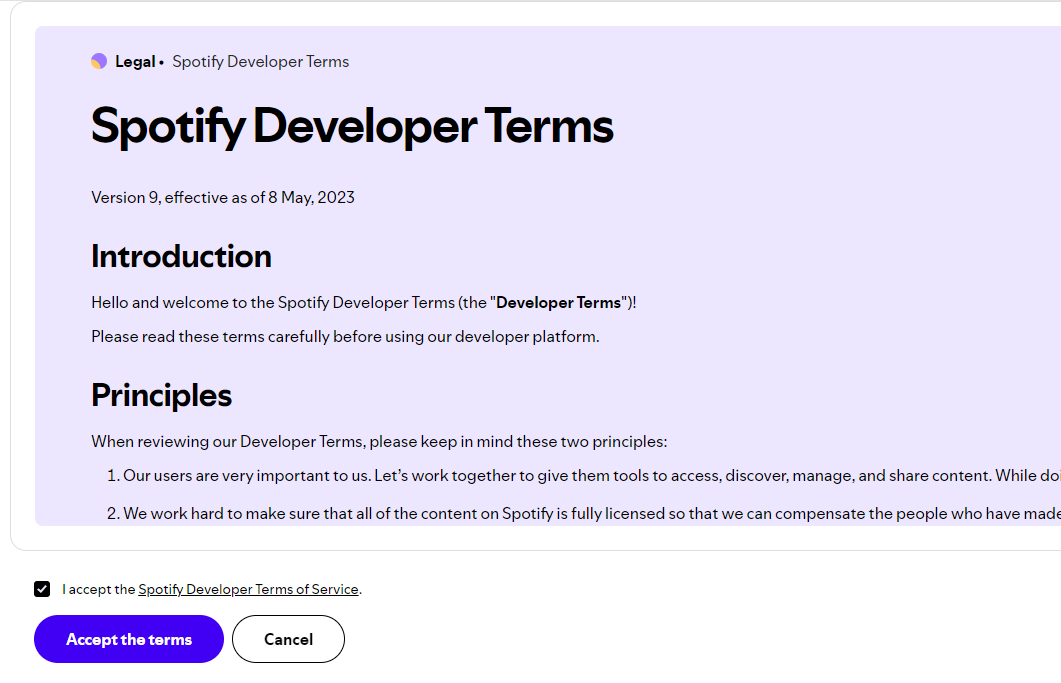
1-1. 동의 먼저 해주고 https://developer.spotify.com/dashboard 에서 Create app을 클릭

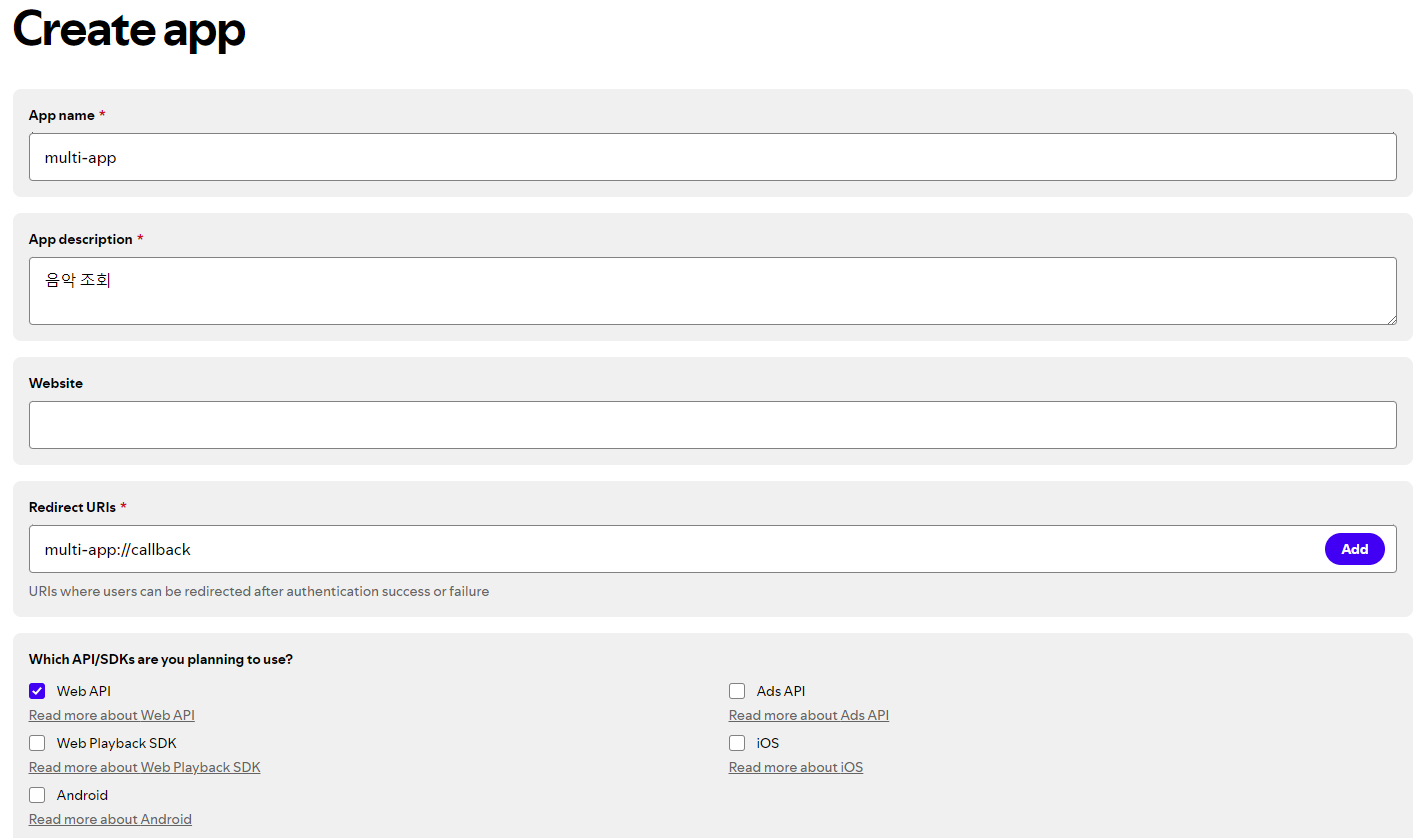
1-2. Dashboard에서 Create app선택 후 아래 화면처럼 필수 항목 입력

  • 모바일 애플리케이션에서는 Redirect URIs를 ' yourapp://callback'형식으로 작성

1-3.Create app에서 save를 클릭하고 아래 이미지의 Settings에서 Client Id를 확인할 수 있다


2.  Spotify SDK를 사용하기 위해 필요한 설정  ( ios ) 

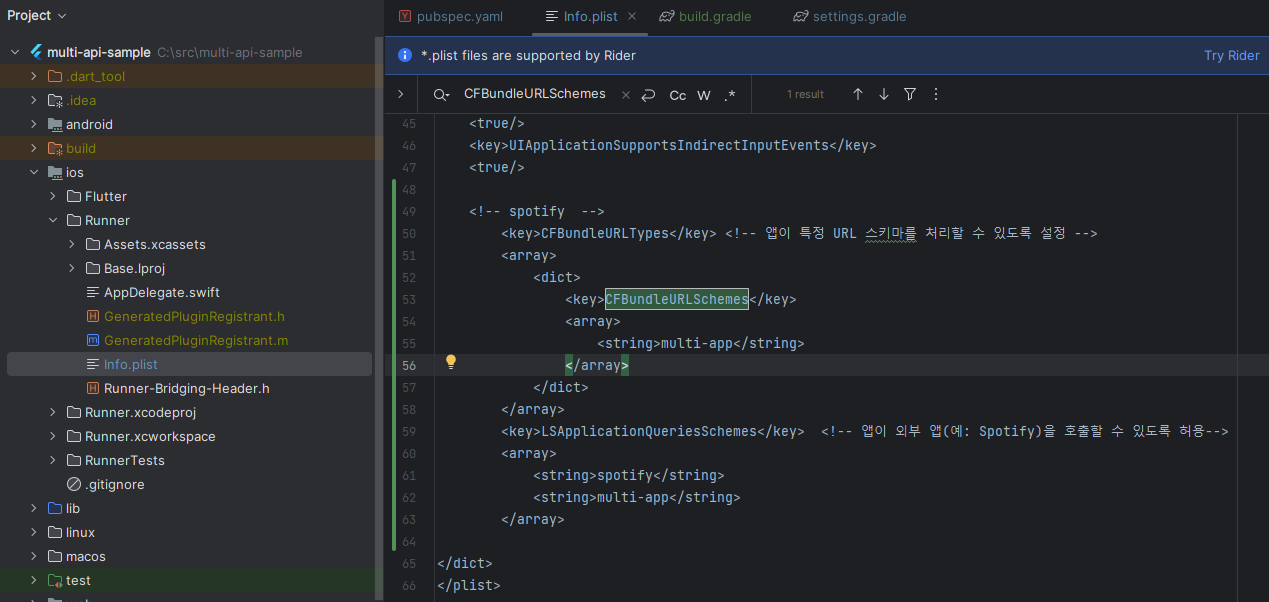
2-1. ios/Runner/Info.plist 수정

  • CFBundleURLTypes  : 앱이 특정 URL 스키마를 처리할 수 있도록 설정한다. Redirect URI에서 사용 됨
  • LSApplicationQueriesSchemes : 앱이 외부 앱(예: Spotify)을 호출할 수 있도록 허용

<!-- spotify  -->
        <key>CFBundleURLTypes</key> <!-- 앱이 특정 URL 스키마를 처리할 수 있도록 설정 -->
        <array>
            <dict>
                <key>CFBundleURLSchemes</key>
                <array>
                    <string>multi-app</string>  >>>> create app에서 설정한 이름으로 변경
                </array>
            </dict>
        </array>
        <key>LSApplicationQueriesSchemes</key>  <!-- 앱이 외부 앱(예: Spotify)을 호출할 수 있도록 허용-->
        <array>
            <string>spotify</string>
            <string>multi-app</string> >>>> create app에서 설정한 이름으로 변경
        </array>

 

3. Spotify SDK를 사용하기 위해 필요한 설정  ( android ) 

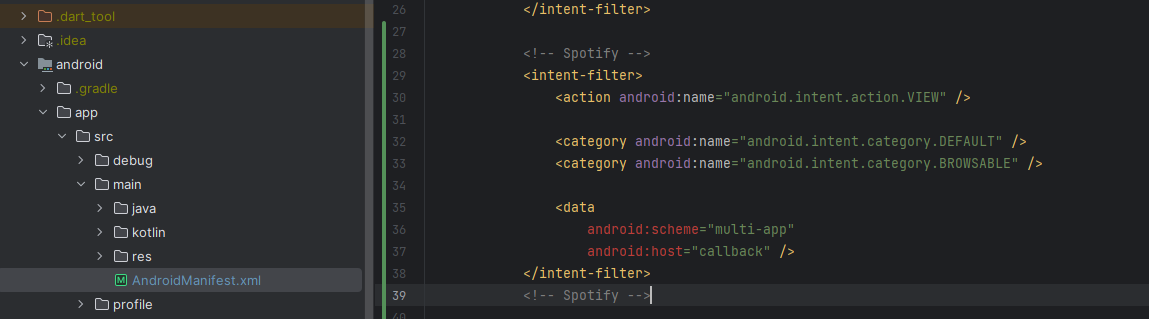
3-1. android/app/src/main/AndroidManifest.xml 수정

  • Android에서 Redirect URI를 처리할 수 있도록 한다


            <intent-filter>
                <action android:name="android.intent.action.VIEW" />

                <category android:name="android.intent.category.DEFAULT" />
                <category android:name="android.intent.category.BROWSABLE" />

                <data
                    android:scheme="multi-app" >>>> create app에서 설정한 이름으로 변경
                    android:host="callback" />
            </intent-filter>

4. Flutter에서 사용

  • 이제 flutter코드에서 spotify-sdk를 사용하여 Redirect URI를 사용할 수 있다